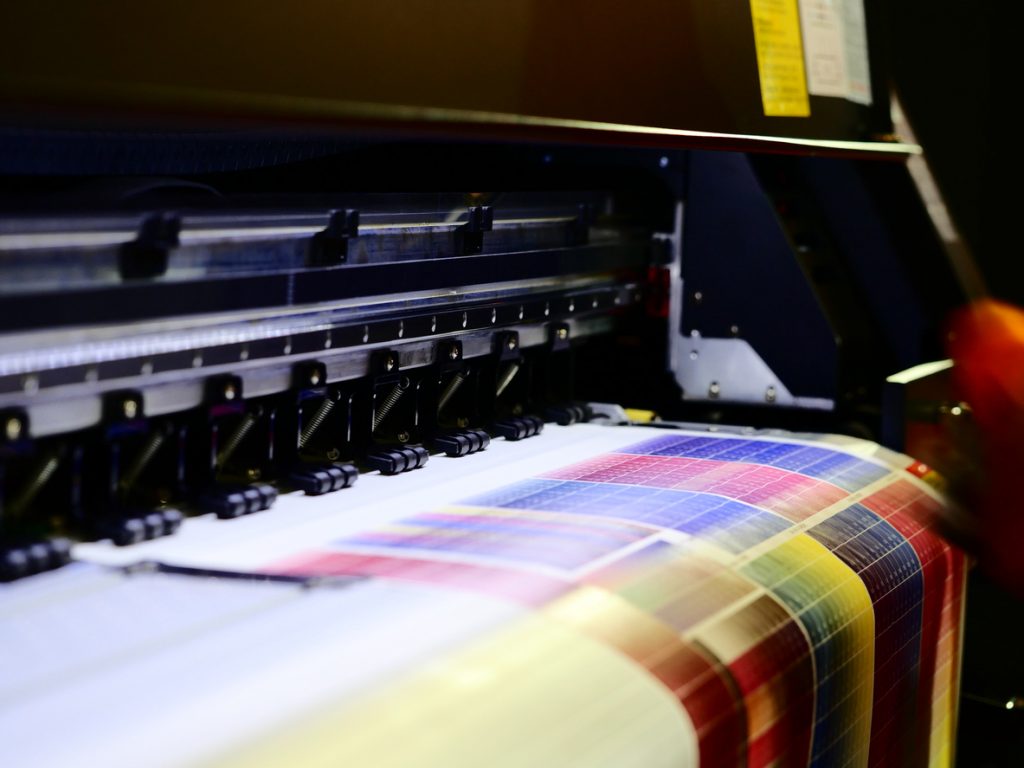
If you’re having trouble with your printer, the ink cartridge may be what’s causing the problem. Let’s delve into the possible issues you may be having and how to fix it. Continue reading How To Solve Common Ink Cartridge Problems
Best Multifunction Laser Printers
Looking to invest in a multifunction laser printer? You’ve come to the right place. We’ve gathered together our top picks based on price, features and performance. The best multifunction colour laser printer should do more than just print, it should help you with copying, scanning, and even photo printing and faxing as well. Read on to find the best MFC colour laser printer to suit your needs. Continue reading Best Multifunction Laser Printers
Best Colour Laser Printers in Australia
Best colour laser printers for office use
Brother HL-L9310CDW
The Brother HL-L9310CDW has everything you need in an office printer – fast printing, outstanding print quality and inexpensive running costs. With a 31 ppm print speed, it is perfect for medium to large offices and for those who print high volumes of documents. Offering a range of features for convenience, productivity and security, you can enjoy the best printing experience on a budget with this option. Shop for the genuine and compatible TN-446 toner cartridges for the Brother HL-L9310CDW at Toner City.
HP Neverstop Laser 1001nw
The ideal entry-level choice for the office, the HP Neverstop Laser 1001nw offers the lowest cost printing compared to all its closest rivals. This is the recommended choice for those who print thousands of pages monthly. At such a great price, you can make back your investment in no time. This model prints at a speed of 20 ppm so you won’t be waiting long for your documents. Like the name ‘Neverstop’, an empty cartridge with this model won’t halt your printing as it still holds 2500 pages worth of toner for you to use. You can fill the toner cartridge yourself when it’s empty by using a syringe-like refill which has been cleverly designed so it has minimal chance of spilling. Find affordable HP Neverstop Laser 1001nw W1143A reload kits and drum units from Toner City.
Best compact, colour laser printers for home use
HP LaserJet Pro M15w
Compact, inexpensive and fast, the HP LaserJet Pro M15w is ideal for light duty use in the home, bedroom or any small office. With up to 18 pages per minute, you’ll be able to get through most printing jobs quickly and efficiently. The M15W has been designed with simple features and mobile device integration for smart, convenient control. If you need a portable printer, this model is also a great choice as it is lightweight and small. With affordable CF248A toner cartridges from Toner City, your cost per print will be insignificant with this option.
Brother MFC-L2710DW
If you just need fast monochrome printing, the Brother MFC-L2710DW is the best option for you. Suitable for home and small offices, this model has all the simple features of a reliable printer and provides printing, copying and scanning functionality. You can print pages of various sizes, as well as card stock and envelopes with this versatile model. Print up to 32 pages in 2 minutes with its incredible efficiency. Enjoy wireless control, duplex printing and automatic document feeding. You can find a wide selection of genuine and OEM toner cartridges at Toner City for the MFC-L2710DW to keep your printing costs low.
Brother HL-L2300D Mono Laser Printer
Another contender for home and small office printing, the Brother HL-L2300D Mono Laser Printer offers dual sided printing and an efficient high-yield toner. Set at an inexpensive price, it is a great investment if you only need basic monochrome prints. Equipped with an LED screen, you can easily keep track of how your printing job is going. This model can print up to 26 pages per minute so you can deliver most jobs in no time. Find the corresponding compatible and genuine toner cartridges at Toner City.
Lexmark B2236DW
Another option for smaller spaces, the Lexmark B2236DW is compact, lightweight and expandable, while equipped with impressive features. It is easy to set up and use, and provides additional copy and scan functionality. With unique control, you can operate this printer with voice activation using Google Assistant, Cortana or Alexa. Enjoy super fast printing with up to 36 pages per minute. Visit Toner City to find cheap genuine toner cartridges for this model.
Shop toner cartridges for your colour laser printer at Toner City
Ready to buy toner cartridges for your colour laser printer? Toner City has you covered with our wide selection of affordable but quality options. Shop genuine and compatible toner cartridges from top-of-the-range brands.
If you need further assistance, reach out to the team through our contact form or call us on 1300 330 242.
Got a new printer cartridge that’s not working? Here’s how to fix it

Have you just bought a new printer cartridge but are receiving an error message upon installation? This is a common problem for printer users and can be fixed in just a few simple steps. Depending on the issue, we’ve made a list of some solutions you can try.
Your printer may display one of the following messages:
- “Incompatible toner”
- “Cartridge not detected”
- “Cartridge locked” or “Cartridge protection enabled”
- “No cartridge installed”
Why new printer cartridge may not be working
- Improper installation of cartridge
- Internal memory needs a reset
- Metal contacts need cleaning
- Protective strip or tape hasn’t been removed
- Incorrect or broken ink cartridge
- Cartridge protection needs disabling
How to fix these printer cartridge issues
Improper installation of cartridge
Check to see that you have placed the cartridge in the correct position.
Internal memory needs a reset
- Take out the new cartridge and reload the previous cartridge into the printer
- Wait approximately 10 minutes before moving to the next step
- Pull out the old cartridge and replace with the new one again
If the printer still doesn’t detect the cartridge, then:
- Take out the new cartridge from the printer
- Turn off the printer and then pull out the cord from the powerpoint, then wait 10 minutes
- Reconnect the cord but don’t switch it on yet
- Load the new cartridge into the printer and then turn it on
Metal contacts need cleaning
- Turn off the printer and pull out the cord from the powerpoint
- Take out the new cartridge
- Inspect the metal contacts on the back or side of the cartridge
- Examine the printer carriage for the connection points (where the metal contacts meet connect with the printer)
- Clean the metal contacts and connection points with a dry, microfibre cloth to eliminate dust and dirt
- Load the new cartridge into the printer again
- Turn on the printer and trial a test print to see if the issue has been solved
Protective strip or tape hasn’t been removed
Ensure you have removed the protective tape otherwise your printer will not recognise the new cartridge.
Incorrect or broken ink cartridge
Sometimes defective printer cartridges may be the reason why they’re not being detected by your printer. If you have tried all the above steps, contact the supplier to check if you received a faulty cartridge.
Get in touch with the printer experts
Toner City has specialised in offering printer cartridges for over a decade, we know the ins and outs of installing and troubleshooting cartridge problems. So if you’re still having issues with installing your new printer cartridge, reach out to us and we would be happy to help. Call us on 1300 330 242 or through our contact form.
Need to override a HP printer cartridge error? Read our blog on our to troubleshoot your problem. If you are experiencing any other kind of printer issues, we have various other blogs on how to troubleshoot your issue.
Genuine vs. Compatible Ink Cartridges – Which is Better?

If you’ve been looking around for a cheap way to stock up on cartridges for your home or office printer – you’ve no doubt encountered a number of appeals to off-brand but ‘compatible’ ink and toner cartridges. As one of Australia’s leading online retailers of ink and toner cartridges, we feel it’s important to help you understand why those products shouldn’t be your first choice. Continue reading Genuine vs. Compatible Ink Cartridges – Which is Better?
2021’s Best Printers with the Cheapest Cartridges

It’s a pretty unique distinction to hold, but an important one. Because while most shoppers are just looking for the cheapest printer, the next step along is to spend just a touch more and focus on getting cheap cartridges.
As one of Australia’s leading retailers of ink and toner cartridges, we know better than most what you can save by making a balanced and informed choice. Take a look below to see our pick of the bunch – and shop online with us for great prices on brand-name and compatible cartridges today! Continue reading 2021’s Best Printers with the Cheapest Cartridges
Brother vs. HP Printers – Which Printer is Better?

Whether you’re looking for a reliable home printing solution that will fit in a side cabinet, or you’re in search of a printing solution that can handle the demands of a full-scale corporate office environment – you’ve no doubt wondered about the different brands and their reputations. Continue reading Brother vs. HP Printers – Which Printer is Better?
How to Test Your Printer Ink & Diagnose with Test Page

A reliable printer that works at a moderate to high capacity is still an indispensable piece of equipment in most office environments. And even if you’re printing at home for reasons unrelated to work, you certainly don’t want your printer becoming unreliable. Continue reading How to Test Your Printer Ink & Diagnose with Test Page
How to Tell If A Toner Cartridge is Used

Unsure whether a toner cartridge has been used already? In a busy office space, or even at home, it’s easy to find yourself wondering whether or not a cartridge has been used. In general, you should avoid using a toner cartridge if you are at all unsure about whether it’s safe for your printer. But toner is a precious commodity, and it’d be a shame to let any go to waste. Continue reading How to Tell If A Toner Cartridge is Used
How to Create and Print a Personalised Card

Whether it’s for a birthday, anniversary, or maybe eve Valentines Day – creating your own personalised card is a brilliant way to add that little touch of something extra. But most people don’t realise that they can create their very own cards using their printer!
Continue reading How to Create and Print a Personalised Card